
Build Customer Loyalty
via Automated Text Messaging
Reach your customers on the leading engagement channel. With
Power Textor, personalized SMS communication is easy and scalable.
Who says you can't have the best of both worlds?
A2P 10DLC: The key to compliant and effective SMS messaging
Stay ahead of the curve and comply with the new A2P 10DLC regulations. Be a responsible SMS sender. Register your business information with the mobile carriers today to ensure your messages reach your customers without a hitch.
A2P 10DLC
 Drive Brand Loyalty and Sales
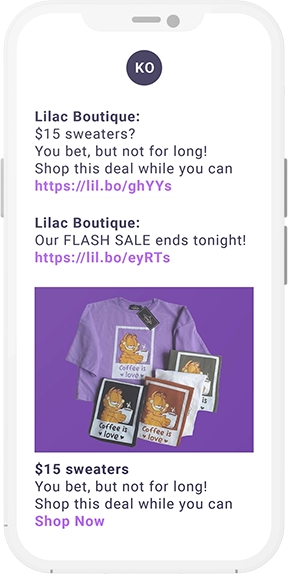
Quick, effective marketing, increased lead conversion rates, and better client loyalty - that’s the dream, right? We help you achieve all that and more with text messages.
91%
91% of customers are interested in signing up for texts. Get Personal
Give your clients the warm-and-fuzzies – through individual conversations! Everyone likes to feel special, right? Offer your customers the 1-on-1, intimate chat experience they love and crave. Let them drive the conversation towards what they care about most!
.png)
59%
59% of customers say that they have higher expectations for customer support than they had a year ago. Grow Your Event Turnout Like Never Before
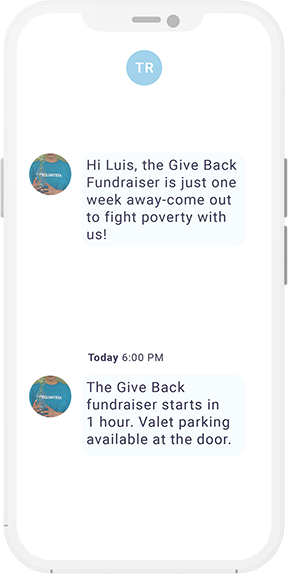
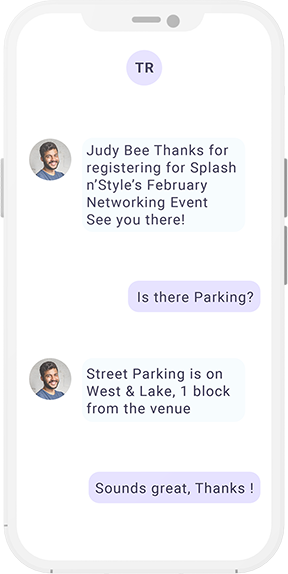
Don’t let your clients miss out on the action! Boost registrations and event attendance rates with SMS messages. Engage your client base for fundraisers, networking meetups, donation campaigns, and more!
75%
75% of millennials think getting an appointment reminder using text is helpful. Get Those Ratings!
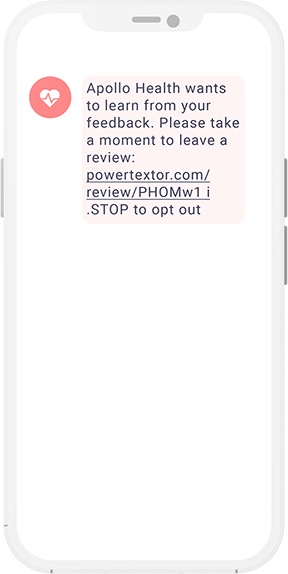
Show off your impressive customer satisfaction and attract new customers with Google Reviews requests via text message.
88%
88% of consumers have read reviews to determine the quality of a local business. Save Time With Automation
Sometimes we need to react rather than initiate. For trigger-based messages like delivery updates or personal appointment reminders, automation fits best. Why work when you don’t have to? Use the Power Textor Connector to send text messages automatically with Microsoft Power Automate.
5 hours/week
5 hours/week are wasted by each employee on activities that could be automated.
What Customers Are Saying
"Power Textor is a phenomenal service! It has saved me a lot of time in connecting with our attendees while promoting our events."
Tony Paolella
Tony P's Networking Events
Co-Founder & Lead Host

What Customers Are Saying
"The Power Textor service has helped us tremendously in reaching out to our current donors and raising funds for critical campaigns to support our orphanage and education programs. It has been a valuable tool and drastically changed our donation results compared to our email outreach."
Shahid Hayat
Executive Director PAKCR
Get Started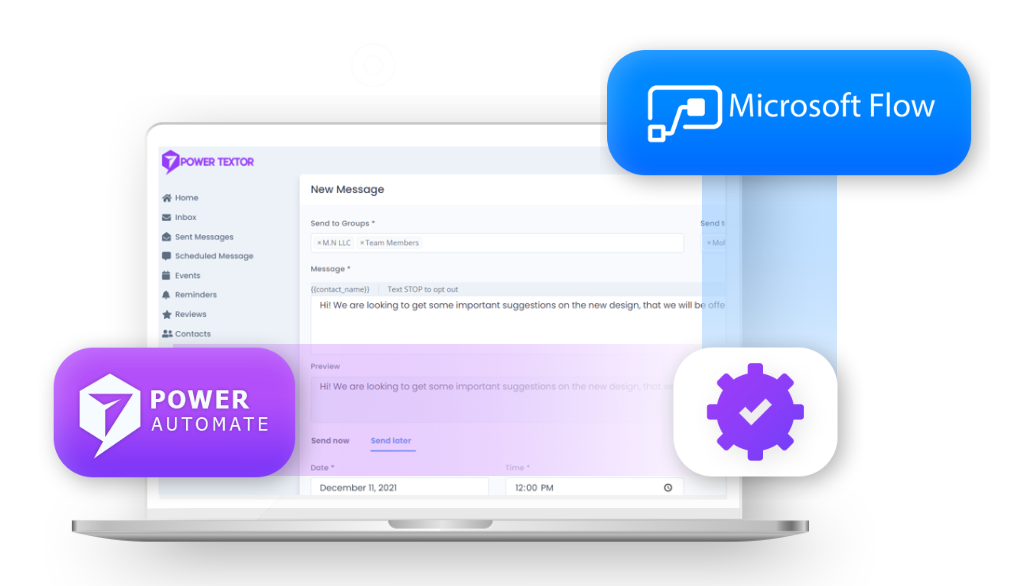
Power Automate Connector
Automate SMS workflows in D365 or Power Platform based on incoming or outgoing text messages. The Power Textor Connector for Microsoft Power Automate uniquely features a SMS trigger, in addition to numerous actions.
Get Started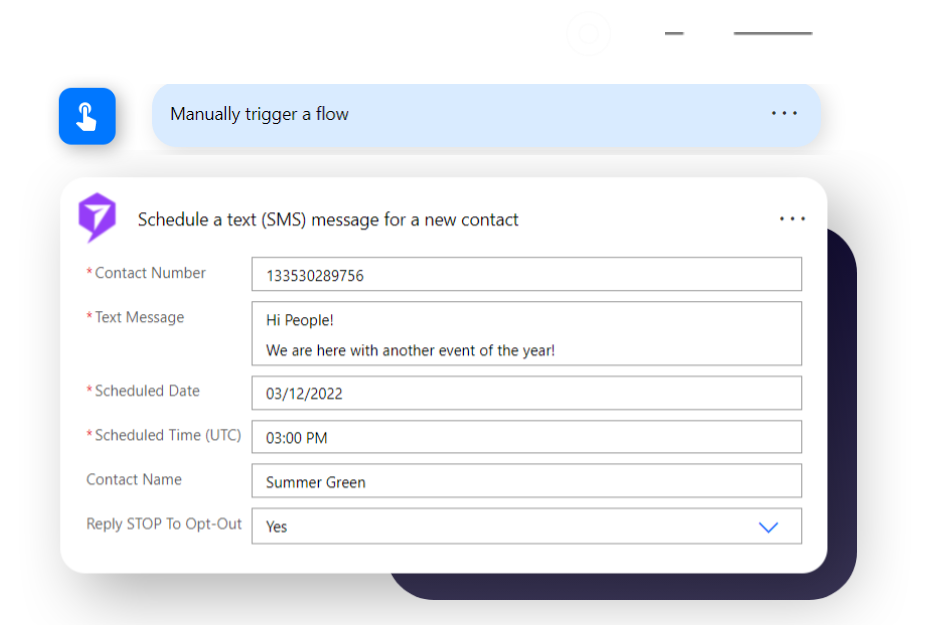
Dynamics 365 Integration
The Imperium Text Message Activity for Dynamics solution enables organizations to send and receive SMS messages through a text message activity in Dynamics 365 or PowerApps model-driven apps.
Get StartedWhat You Can Get With Power Textor

Bulk Texts
Keep in contact with your customers at your convenience via SMS.

1:1 Conversations
Grow closer with your clients by answering their message replies.

Power Automate Actions
Automate SMS messages as part of any Dynamics 365 or Power Platform workflow.

Power Automate Triggers
Take automated action on received text messages in Dynamics 365 or Power Platform. Take your services to the next level through direct customer feedback.
Event Reminders
Drive event attendance and engagement with automated event SMS campaigns.
Reviews
Collect customer feedback and post approved responses to Google Reviews.
Analytics
Effectively plan SMS campaigns based on KPIs across groups, contacts, events, and more.
What You Can Get With Power Textor

Integration Services
Let us help you integrate with your marketing, event management, or other system with custom integrations.

Custom Development
Request development for custom features within the Power Textor platform.

Onboarding Services
Get personalized support for user training, data uploads, and Power Automate connection.

Live Support
Have a question or issue? Talk to a customer service agent.
Envision How Power Textor Can Benefit Your Business
Get a QuoteGet a personalized demonstration of Power Textor with your scenarios and content.
Industries We Serve





How to Connect Your PowerTextor Account to Microsoft Power Automate
Connect your Power Textor with Microsoft Power Automate to create text messaging for multiple contacts and groups. With simple steps, integrate the Power Textor Connector to design automated workflows and eliminate the manual effort of sending text messages to contacts and groups.

Importance of Text Messaging for Small Businesses
However, text messaging remains an effective marketing solution for new startups and small business....

How to Send Bulk SMS to Your Customers
A bulk text message can be a great way to reach a large group of people quickly and efficiently.....